MCP for developers: why AI coding tools are converging on one protocol
A practical take on MCP, Claude Code, Codex and Cursor from a full-stack developer perspective.
José Miguel Fernández · Software Engineer · 6+ years of experienceIn this article Current section: What MCP is, in plain English
The interesting thing about MCP is not the acronym. It is the shift it points to.
People are moving from “which AI editor should I use?” to “how do I connect these tools to the rest of my stack without building fragile glue every time?” That is a much better question, and it is the one full-stack developers actually need to answer.
For me, MCP for developers matters because most real work sits between systems. We build the API, then the dashboard, then the automation, then the little internal tools that keep the business moving. A shared protocol can make that middle layer less painful.
What MCP is, in plain English
MCP stands for Model Context Protocol. The official idea is simple: it is an open standard for connecting AI applications to external systems.
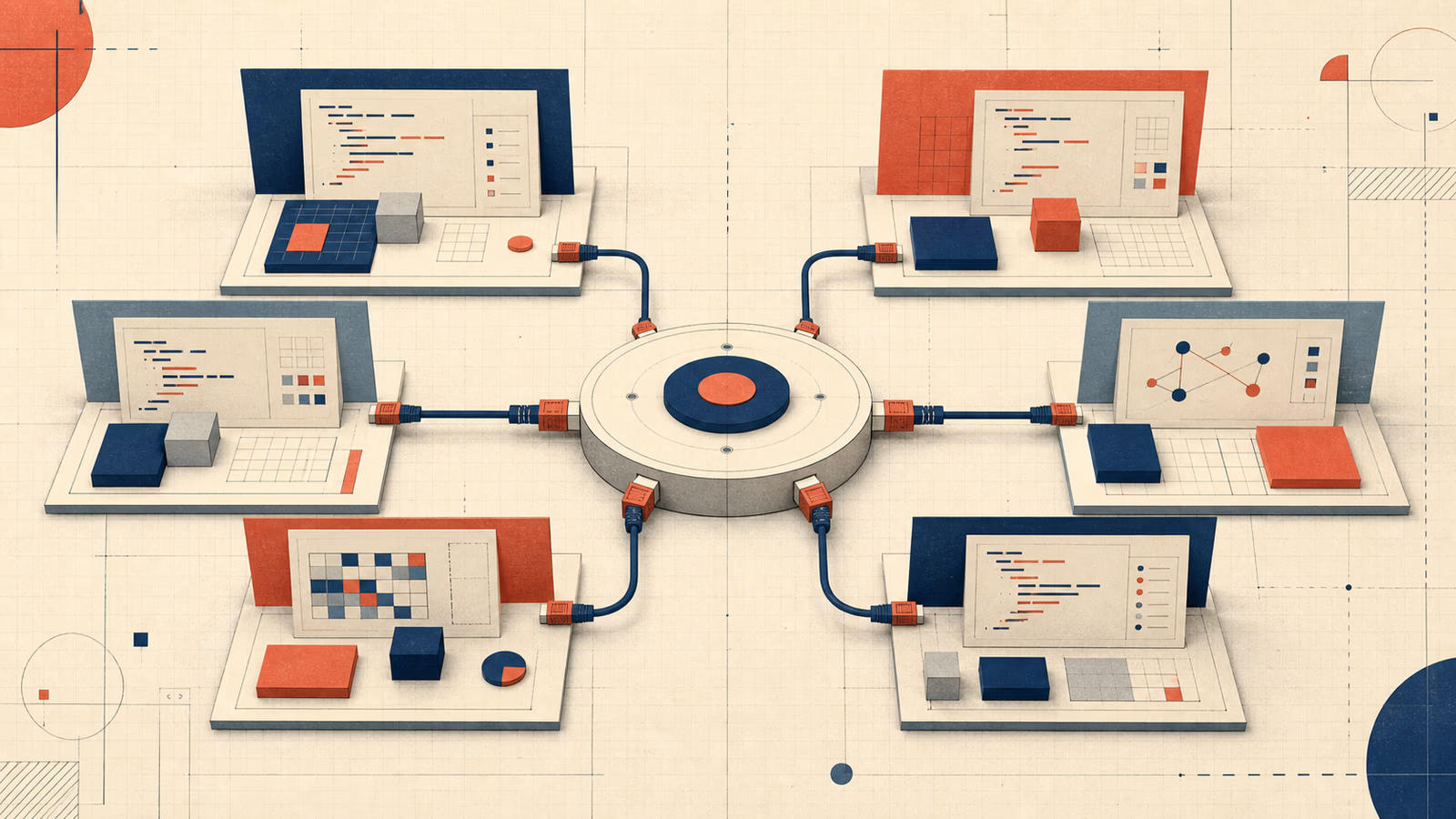
Instead of writing a custom integration for every tool, a client can talk to a server in a consistent way. One server can expose tools, data, or prompts. One client can discover and use them without a new adapter every time.
That sounds small, but it matters. Without a shared protocol, every connection becomes a one-off. GitHub gets one integration, Notion gets another, the database gets a third, and your internal admin panel gets a fourth. MCP for developers is about making that layer reusable.
Practical note: Start with read-only tools. If the assistant can inspect docs, logs, and records before it can change anything, you get value without adding much risk.
Common mistake: Treating MCP like a shortcut for bad architecture. A protocol does not fix vague permissions or unsafe write actions.
Why the topic is hot right now
Three things pushed MCP into the conversation:
- Claude Code now fits naturally into terminal-first and IDE-first workflows.
- OpenAI’s Codex has become a broader product line, not just a demo.
- The MCP ecosystem is large enough that discovery now matters, not just the spec.
On Hacker News, Reddit, and X, the discussion has also matured. People are less excited about autocomplete and more interested in whether an AI tool can read a codebase, inspect logs, run commands, and stay useful in a real workflow.
That is the useful part of the story. Less “agents will write everything”, more tools that reduce glue code and handle context better.
Why full-stack developers should care
If you work full stack, you already live in the exact mess MCP tries to improve.
You move between frontend, backend, data, deployment, and business tools. A useful assistant might need to:
- read a GitHub issue and pull related logs
- inspect a database record before touching production data
- query a Notion doc or internal wiki
- check API responses in staging
- trigger a safe action inside an internal tool
Today, many of those workflows are still custom. They work, but they are brittle. They depend on quick scripts, copied prompts, and a lot of trust.
MCP does not remove the need to design good tools. It gives you a cleaner way to expose them.
That is useful for product teams and freelancers alike. A freelancer can build one client dashboard or reporting tool and connect it to multiple assistants later. A product team can expose the same capability to Claude Code, Codex, or Cursor without rebuilding the integration every time the UI changes.
A practical example
Imagine a small SaaS with a support inbox, a Postgres database, a GitHub repo, and an admin dashboard.
A bug report arrives. Without a shared protocol, the workflow looks like this:
- open the ticket
- copy the customer ID into the database tool
- check the logs in another tab
- review the latest release notes
- ask the assistant to summarize everything
With MCP-style tooling, the assistant can query the ticket system, look up the related record, inspect deployment metadata, and fetch the relevant docs in the same session.
You still review the output. You still make the call. But the context is not scattered across five places.
Where MCP helps, and where it does not
| Tool or pattern | Best for | Weak spot | My take |
|---|---|---|---|
| Claude Code | Terminal-first coding and repo work | Still needs guardrails | Strong when the repo is the main context |
| Cursor | IDE-native editing and visibility | Easy to over-rely on the UI | Good for day-to-day editing |
| Codex | Structured tasks across CLI, app, and web | Needs clear task boundaries | Useful when you want a broader workflow |
| MCP | Shared access to tools, docs, and systems | Not a replacement for design or permissions | Best as the glue layer |
MCP helps when you have repeated tasks, multiple tools, and a reason to reuse integrations. It is useful for internal tools, support workflows, documentation lookup, codebase inspection, and controlled automation.
If the real case is connecting business systems, the problem looks a lot like an API integration or business process automation: you need boundaries, permissions and visible errors before talking about assistants.
It is less useful if you expect it to fix bad architecture, poor permissions, or vague processes.
Small code example: a safer tool boundary
const tools = {
  getTicket: { mode: "read" },
  lookupCustomer: { mode: "read" },
  deployFix: { mode: "write", requiresApproval: true },
};
That boundary is the useful part.
The assistant can inspect context freely, but it needs an explicit approval path before it touches anything important.
My practical take
I do not think MCP is the main story.
The main story is that AI tooling is moving from isolated apps to a shared layer of capabilities. Claude Code, Codex, Cursor, and similar tools are starting to feel less like separate islands and more like clients connected to the same ecosystem.
For a full-stack developer, that matters more than the headline. The value is not that the agent writes perfect code. The value is that it reaches the right context faster, uses your tools more cleanly, and fits into the systems you already run.
That has three practical effects:
- freelancers can deliver more polished automations and demos without rebuilding everything from scratch
- recruiters can see technical judgment instead of just product marketing language
- small businesses can get more value from custom software because the glue between systems gets cheaper to build and maintain
The part I like most is that this is still a developer problem, not just an AI problem. Someone has to decide what the assistant may read, what it may change, and how much trust it gets. That is exactly the kind of judgment full-stack developers should bring.
Final takeaway
MCP for developers is fairly boring infrastructure. That is exactly why it is interesting.
It is meant to make AI tools easier to use inside real workflows. If it works, the tools that connect cleanly to the rest of the stack will matter more than the loudest ones.
If you want more practical software, automation, and product-focused development from me, check the portfolio or reach out through the site.
FAQ
Does MCP replace an API?
No. MCP can expose capabilities to AI tools, but APIs and system contracts still matter.
Where would you start with MCP?
With read-only tools: documentation, logs, search or inspection. It is the safest way to create value without giving write permissions too early.
Does MCP make sense for freelancers?
Yes, when they build internal tools, dashboards or automations that can later connect to several assistants.
What to read next
Before granting write access, apply the boundaries described in using AI in a product without hype and review how an AI automation project defines evaluation, human review and failures. At the system boundary, API idempotency prevents a retry from turning a useful tool into a duplicated action.
Applying this to a real system
Do you need to review this problem in production?
I can assess the architecture, risks and next useful change without turning the solution into a larger project than necessary.