When business process automation is worth it and how to start
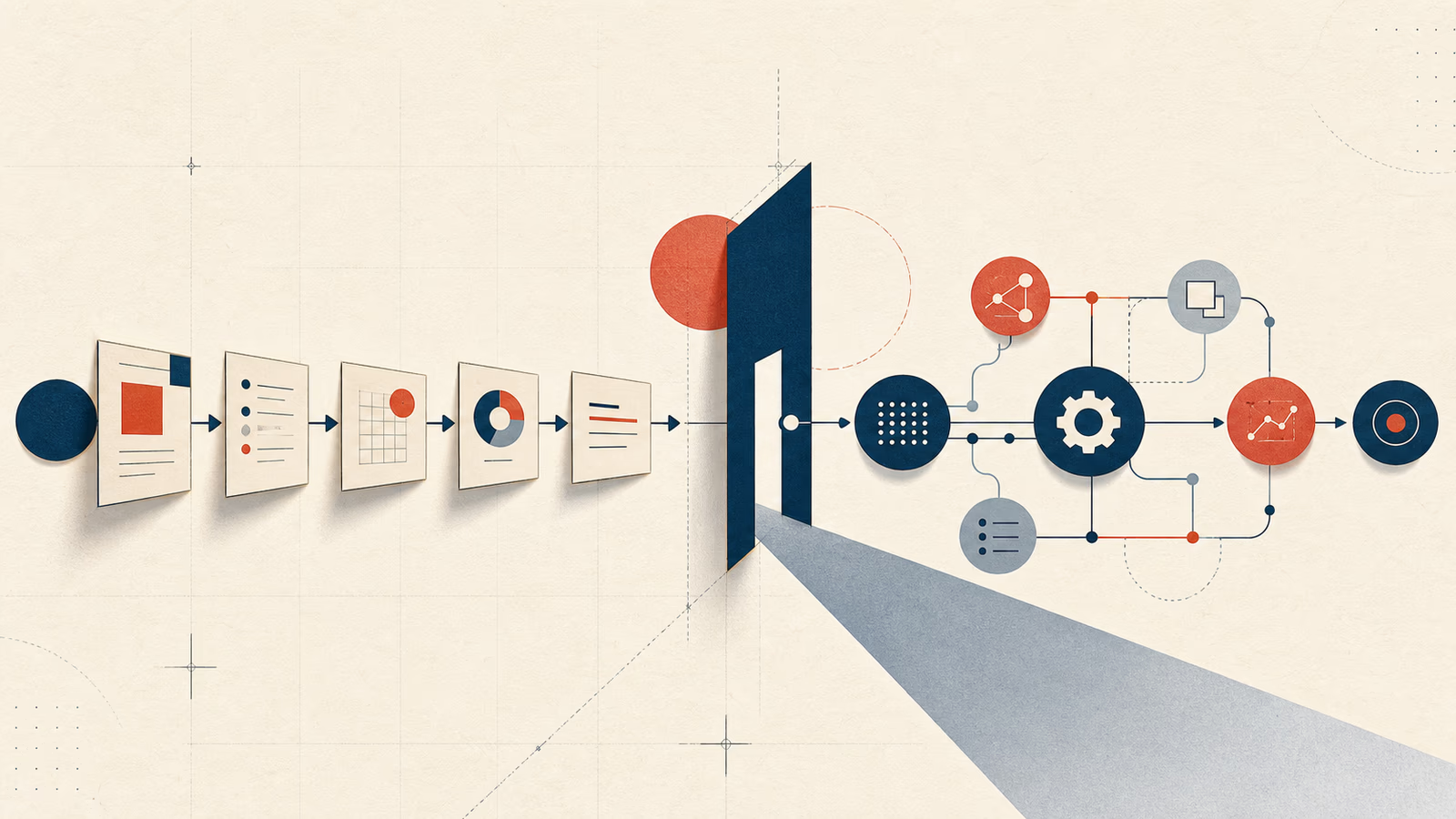
A practical guide to deciding when a business process is worth automating, what signals to look for, which mistakes to avoid, and how to scope a useful first version.
José Miguel Fernández · Software Engineer · 6+ years of experienceIn this article Current section: Signs a process can be automated
Business process automation starts with a plain question: which part of the work repeats so often that it should no longer depend on someone copying, checking or notifying by hand?
Automation is worth it when the process is already fairly clear, happens often and the cost of doing it manually starts becoming higher than the cost of designing a reliable solution.
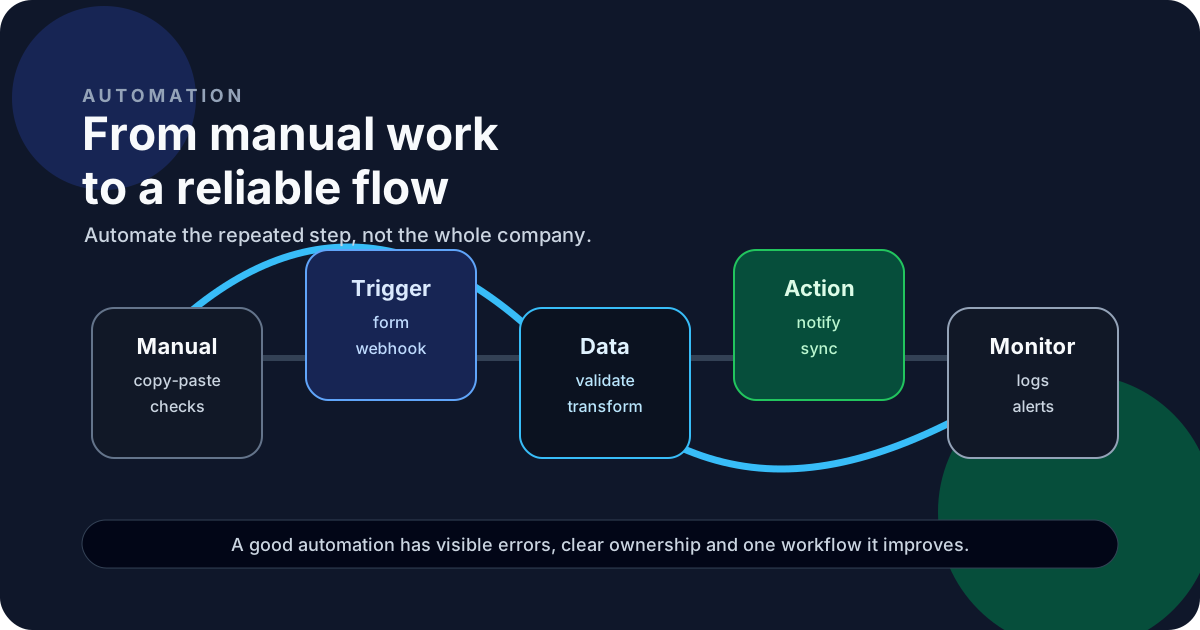
If the problem is still unclear, clarify the workflow first. Once you know what comes in, what needs to happen and what output the team needs, automation starts to make sense.
Signs a process can be automated
Repetition is usually the easiest signal to spot. If someone copies data from a form to a spreadsheet, from the spreadsheet to a CRM and from the CRM into an email, some of that work can probably leave the manual flow.
The second signal is repeated error. When the same mistake appears every week, the problem is usually not effort. It is missing validation, a missing rule or a missing integration.
The third signal is poor visibility. If understanding what happened means checking chats, emails and tabs, the workflow needs a more explicit state.
It is also worth looking at processes that affect sales, support, billing, operations or reporting. In those areas, a small error can consume many hours or create friction with clients.
What to automate first
I would not start with the largest process. I would start with the most repeatable step.
Good candidates:
- sending alerts when a request arrives
- validating data before it enters a spreadsheet or CRM
- syncing records between two systems
- generating a recurring report
- creating tasks when a status changes
- moving files or exports in a controlled way
- warning someone when an integration fails
This often connects with an internal tool or an API integration when the workflow needs an interface or data from several systems.
When not to automate
I would not automate a process that still changes every few days. If nobody can explain the workflow in a stable way, the script will only turn confusion into code.
I also would not automate a decision that needs a lot of human judgment. In those cases, software can prepare data, summarize information or create a first draft, but the review should stay human.
I would also avoid automating something an existing product already handles well. If a SaaS product covers most of the case for a reasonable cost, configuring it properly can beat building a custom piece.
This is close to the decision behind when to build an internal tool instead of using Excel: software makes sense when the process hurts in a concrete way.
How to design reliable automation
A useful automation needs five pieces:
- Trigger: which event starts the flow.
- Input: which data arrives and in what format.
- Rules: which validations or decisions apply.
- Output: what should happen at the end.
- Observability: how you know whether it worked or failed.
The last part is often skipped. Automation that fails silently becomes worse than manual work: everything looks under control until someone finds the gap.
Logs, error alerts and a simple way to retry or inspect state matter for that reason.
A practical first version
A first version can be modest:
- a webhook that receives data
- basic validation
- one external API call
- an email notification
- a record of what happened
- an alert when something fails
You do not need to build a platform. Sometimes one focused automation that removes 30 minutes of daily manual work is enough.
If the workflow grows, it can later become custom software or an internal tool with a panel, permissions and reporting.
Where AI fits
AI can help with automation, but I would not reach for it by default.
It makes sense when the process includes text, classification, summarization, information extraction or a first draft. I covered that in more detail in how to use AI in your product without turning it into hype.
For moving data between systems, validating formats or triggering tasks, a normal integration is usually cheaper and easier to understand six months later.
FAQ
Which process should I automate first?
The one that repeats often, has clear rules and creates visible errors or time loss.
Do I need an internal tool to automate a workflow?
Not always. Sometimes a webhook, scheduled job or small integration is enough. If the team needs to review states or edit data, an interface may be needed.
Is no-code better than custom development?
It depends on risk and specificity. No-code can work well for validation. Custom development fits better when there is sensitive data, custom rules, complex APIs or serious maintenance.
How do I know whether automation is worth it?
Estimate hours saved, errors avoided and maintenance cost. If the process affects sales, support or operations, include the cost of delays and failures too.
Bottom line
Good automation starts by understanding the manual work, not by choosing a tool.
If the workflow is clear and repeated enough, a small automation can save time, reduce errors and prepare the ground for a more complete internal tool.
If a process already lives across spreadsheets, emails and copy-paste, I would start by drawing it. Automation comes later, once the workflow has a clear shape.
Decision and next step
Would you like to apply this decision to your case?
I can help you review the context, reduce the initial scope and choose a solution proportionate to the problem.