Alternatives to Excel for operational business workflows
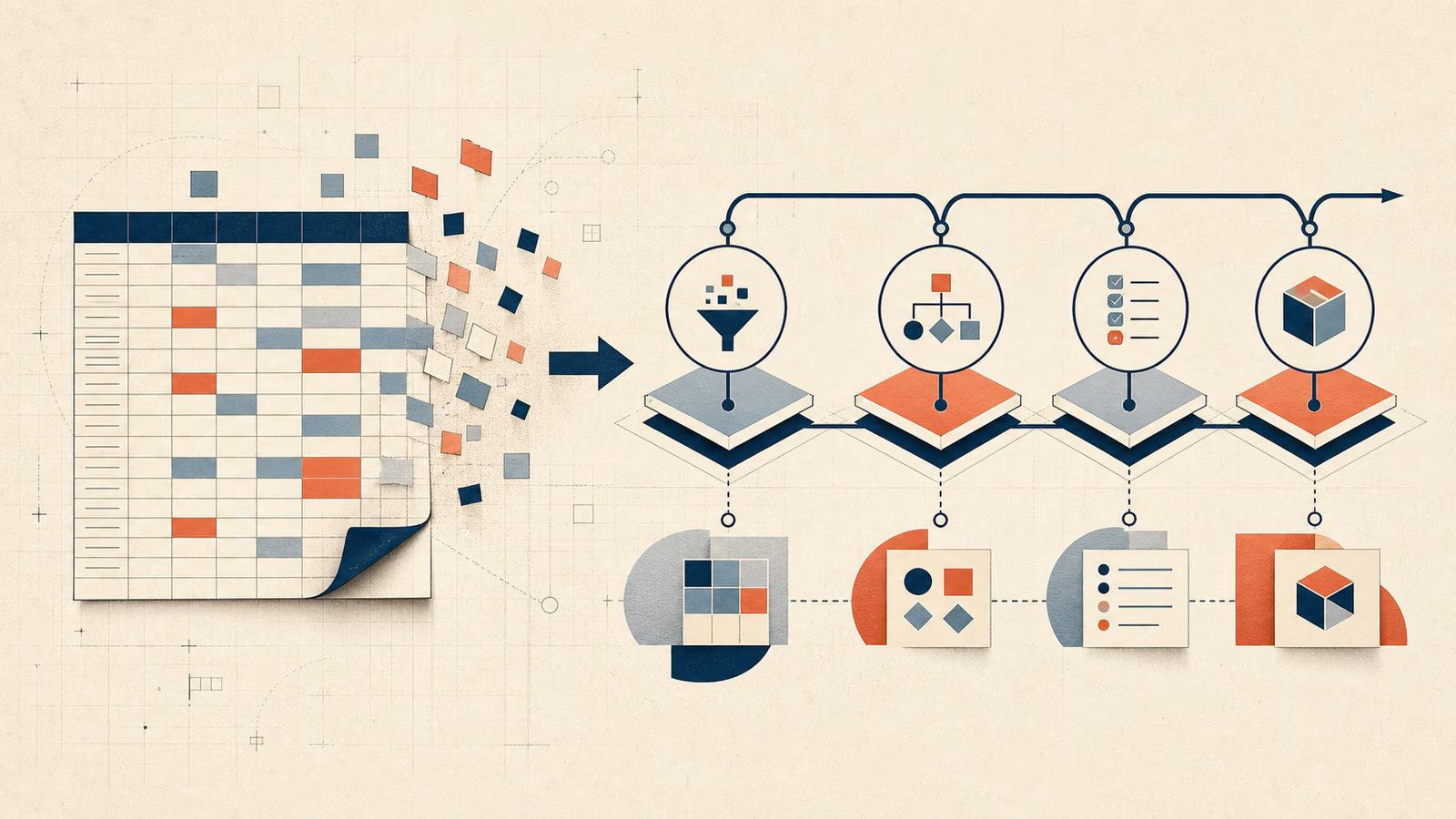
When to use a database, SaaS product, automation or internal application instead of a critical Excel spreadsheet.
José Miguel Fernández · Software Engineer · 6+ years of experienceIn this article Current section: Signs Excel has become a critical system
Excel is excellent for calculations, scenario exploration and reporting. The problem is not the spreadsheet itself. It is asking one file to behave like a database, multi-user application, permission system and audit log at once. When a workbook controls orders, inventory, incidents or billing, an overwritten cell becomes an operational risk rather than a minor office mistake.
The right alternative is not always custom development. It may be a safer template, automation between two systems, a configured SaaS product or an internal tool. The decision should follow the workflow, not the number of formulas in the workbook.
Signs Excel has become a critical system
A spreadsheet deserves review when people shape their work around protecting it. Common signals include:
- copies named
final_v3_really_final.xlsx, with no agreed master; - users locking ranges or overwriting each other’s changes;
- colours, comments or free-text columns representing workflow states;
- a macro or formula understood by only its author;
- repeated copying between email, CRM, ERP and the workbook;
- no reliable history of who changed a business fact;
- errors discovered during month-end rather than at entry;
- sensitive rows visible to everyone with file access.
Microsoft documents concrete Excel specifications and limits, but the practical limit usually arrives earlier through concurrency, control and maintainability. Capacity for a million rows does not make a million-record workflow manageable in a spreadsheet.
When to keep Excel
Keeping Excel is sensible when one or two people own the task, volume is modest, rules change frequently and mistakes are easy to detect and reverse. It also remains valuable as a temporary interface for importing, exporting or analysing data owned by another system.
Before replacing it, harden the workbook: separate raw data from calculations, use structured tables, add input validation and controlled lists, protect formulas and store it in a versioned shared location. Assign an owner and document the month-end procedure. If those measures remove the pain, there is no case for building software.
Cloud collaboration should not be confused with process control. Sharing removes some duplicate files, but it does not automatically provide role-based rules, valid state transitions, business audit or dependable integration.
When spreadsheet automation is enough
If the structure works and the pain is manual transfer, a small automation can deliver the best return. Examples include importing ecommerce orders every night, producing documents from approved rows, or sending validated leads to a CRM.
Treat the spreadsheet as a controlled endpoint, not an improvised API. Fix column names, identifiers and formats, and provide an error area. Record when a run happened, how many records succeeded and what needs review. See when business process automation is worth it for a wider assessment.
This option stops fitting when users regularly rearrange columns, the file must remain open to run macros, or partial execution creates duplicates. At that point automation adds fragility instead of removing it.
When to choose an existing SaaS product
SaaS usually wins for standard processes such as sales opportunities, support tickets, projects, simple inventory, shifts or expenses. You get a tested interface, permissions, updates and support without funding a product yourself.
Assess it with five questions: does it cover 80% of the journey without distorting it, can you export all data, does it expose an API and webhooks, do permissions match real roles, and what will it cost at the expected user and automation count? Check data residency, backups, authentication and exit conditions. The UK ICO’s guidance on data protection by design is relevant even when a vendor does most of the processing.
Configuration beats development when the gaps are preferences. If the SaaS forces the team to maintain a parallel workbook for essential rules, its apparent savings may be misleading.
When to use a database with a simple interface
A database provides identifiers, types, relationships and constraints. Direct access through tables or queries, however, is rarely a complete business-user alternative. People need an interface to search, validate, approve and correct without undermining integrity.
This combination suits internal catalogues, asset registers and directories with simple forms. Low-code tools may cover it when permissions and rules are modest. Before making one central to operations, review licence limits, performance, deployment and vendor lock-in.
The useful requirement is not “we need a database”; it is “we need one source with safe operations”. The database is one component. User experience and daily ownership are the others.
When to build an internal tool
An internal tool earns its cost when the process differentiates the company, combines several sources, or requires rules that packaged software cannot model cleanly. Examples include preparing quotations with customer-specific margins, assigning work according to capacity and certification, or reviewing payment exceptions with data from multiple systems.
The first release should not reproduce every tab. It should complete one vertical journey: input, validation, state, owner, output and history. A useful application adds permissions, search, constrained bulk actions, audit and a visible exception queue. When to build an internal tool instead of using Excel examines that threshold in more detail.
Custom software creates ongoing hosting, support, security, change and knowledge costs. Do not select it because the workbook looks untidy. Select it when owning the rules and preventing repeated errors pays for that maintenance.
A practical decision matrix
| Situation | Starting option | Why |
|---|---|---|
| One analyst, temporary data, flexible calculations | Improved Excel | Flexibility is worth more than added control |
| Standard workflow with several users | SaaS | Permissions and workflow already exist |
| Valid workbook with repetitive manual copying | Automation | Removes labour without full migration |
| Structured register and simple forms | Database + interface | A validated single source |
| Unique rules, roles, integrations and exceptions | Internal tool | The journey needs specific control |
Score each option from one to five for three-year cost, functional fit, implementation speed, vendor risk, security and ability to change. Include the current cost of errors and manual hours. Comparing licence fees only with development cost hides the real economics.
How to migrate without stopping operations
Inventory workbooks, owners, formulas, macros, inputs and outputs first. Then define which source owns each fact and clean identifiers; names and email addresses are not always unique keys. Keep an immutable copy before transformation.
Migrate one journey and a small user group. A temporary Excel export may help reconcile results, but avoid editing both systems. Set a cutover date, compare totals and document rollback. Measure handling time, errors, backlog and adoption.
Retire the operational workbook once the new system is dependable. If it remains writable “just in case”, two sources of truth will return. Excel can remain an analysis format without remaining a parallel system.
What a serious proposal should include
A proposal should name the included workflow, users and roles, migration, integrations, error handling, security, deployment, support and acceptance criteria. Ask it to separate initial and recurring costs and identify exclusions.
For custom development, request a short discovery phase with a workflow map and prototype. For SaaS, run a trial with representative data and a real exception, not only a happy-path demo. For automation, require logs and retry handling. My service for replacing Excel with software starts with these decisions and may lead to improvement, integration or an application depending on the evidence.
Frequently asked questions
Must Excel disappear completely?
No. It can remain an excellent output for analysis, occasional exchange or modelling. The important point is that official operational state lives in a controlled system and does not return through informally edited files.
How many users justify replacing a spreadsheet?
There is no magic number. Two people may need strict control for payments; twenty may safely share a low-risk list. Concurrency, permissions, error cost and traceability matter more.
Is SaaS cheaper than custom software?
Usually at the start. Over three years it depends on users, modules, integrations and adaptation. Compare total cost and exit capability rather than the monthly fee alone.
Can macros and formulas be migrated?
Yes, but they should not be translated line by line. Identify the business rule, inputs and edge cases first; then implement it with tests and explicit ownership.
How long does migration take?
A narrow workflow may be validated in weeks; a workbook spanning departments needs phases. Data quality, inventory and access to real users often affect the schedule more than programming does.
Decision and next step
Would you like to apply this decision to your case?
I can help you review the context, reduce the initial scope and choose a solution proportionate to the problem.