Should you redesign or rebuild your website? Cost, risk and a practical decision
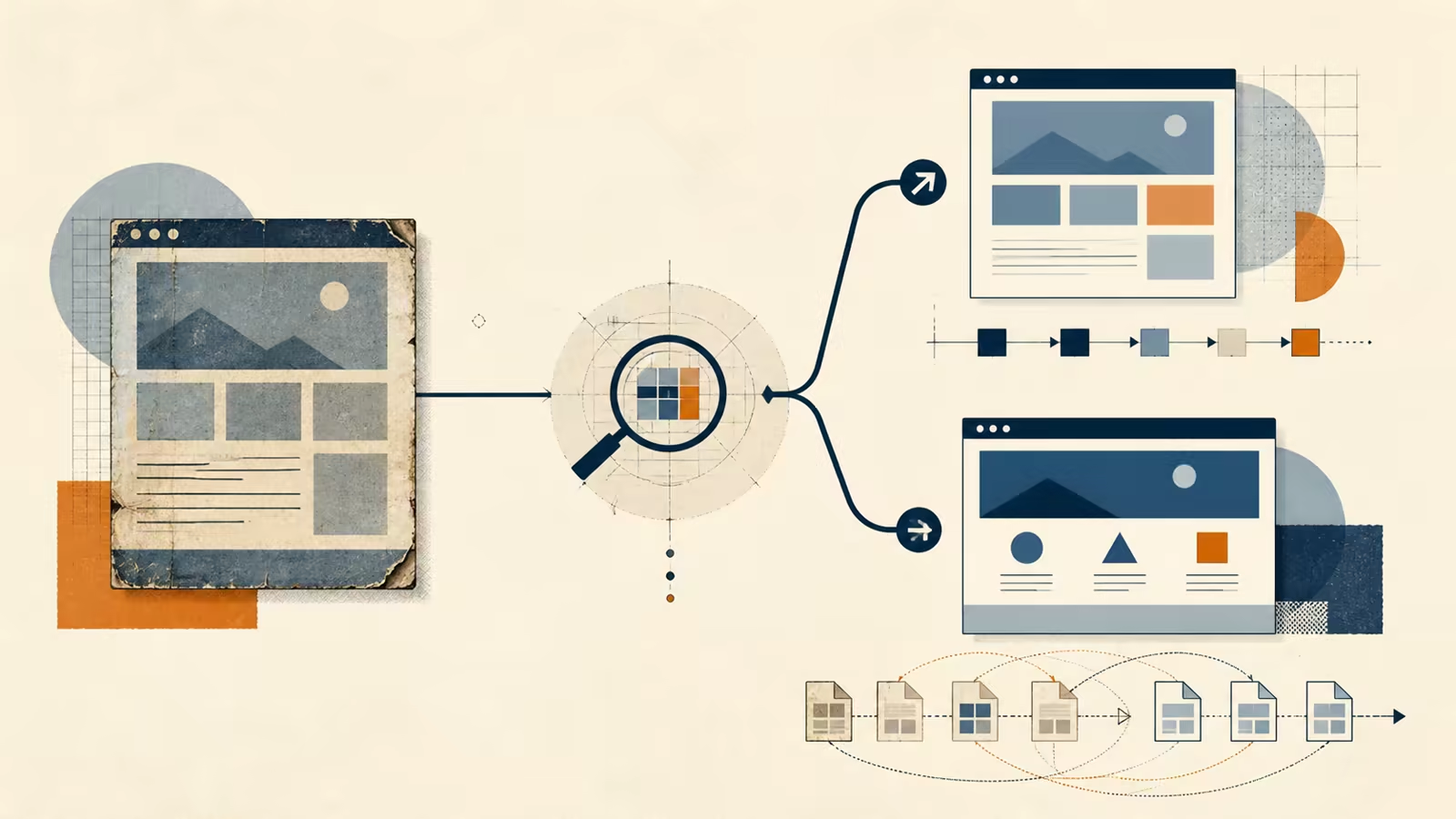
A practical way to choose between redesigning, phasing a website modernization or rebuilding without losing content, measurement or SEO.
José Miguel Fernández · Software Engineer · 6+ years of experienceIn this article Current section: The short answer
Redesign the existing website when its foundation works and the main problems are messaging, navigation, mobile layout or a limited set of templates. Rebuild it when the technology prevents reasonable changes, security or maintenance is becoming risky, the structure no longer represents the business and repair would cost nearly as much as replacement.
There is a useful third choice: modernize in phases. Fix the pages and journeys that affect enquiries first, then decide whether the rest deserves migration.
Age alone does not settle the question. Some older sites have a sound structure. Some recently launched sites are already hard to maintain. Separate the visible design from the system underneath before commissioning a complete rebuild.
Once you have decided to renew the site, use this website redesign SEO checklist to prepare the URL inventory, launch checks and follow-up.
The short answer
| Situation | Likely approach |
|---|---|
| The site loads, edits cleanly and has useful URLs, but looks dated or explains the offer badly | Focused redesign |
| Valuable pages sit beside fragile templates or confusing journeys | Phased modernization |
| The system is unsupported, breaks during editing or depends on abandoned technology | Rebuild |
| The offer, information architecture and editing model have all changed | Rebuild with a migration plan |
| Nobody knows which pages work | Audit before choosing |
A website redesign service should start with this diagnosis. Changing colours before understanding the problem can leave the broken enquiry path untouched.
Ten questions to diagnose the site
1. Is the platform still maintainable?
Check whether it receives updates, has usable documentation, can be handled by another professional and allows content changes without touching fragile parts. A current WordPress installation with a reasonable theme can be redesigned. An abandoned builder held together by patches needs a different discussion.
2. Does the structure represent the current business?
The company may have started with one service and now sell five, or it may serve a different buyer. When navigation, URLs and content are tied to the former offer, the work goes beyond appearance.
3. Does existing content generate visits or enquiries?
Do not remove a useful page because its design is old. Check Search Console, analytics, form sources and sales conversations. An unattractive page may still answer exactly what a prospect searches for.
4. Can people edit without breaking the page?
Ask whoever maintains it. If changing a photograph shifts the layout, every update needs a workaround or nobody will touch the menu, there is technical debt. A rebuild may reduce it, but first identify the functions and content that rely on the current system.
5. Can a mobile visitor complete the main action?
It is not enough for the page to “respond” to a small screen. Try calling, booking, requesting a quote, reading a service and sending the form on a real phone. These journeys may be repairable without replacing the whole platform.
6. Are all integrations known?
Forms, CRM, booking, payments, newsletters, maps, analytics and advertising tags tend to live in different places. A rebuild that misses one can interrupt a working process without producing an obvious error.
7. Is measurement reliable?
Without a baseline, you cannot tell whether the change helped. Record available enquiries, visited pages, form errors, relevant searches and conversions before launch.
8. Does the site meet a reasonable accessibility standard?
Contrast, keyboard navigation, labels, heading order and error messages can be corrected during a redesign. If the theme blocks HTML changes or creates inaccessible components by default, the platform limits the outcome.
9. Can performance be fixed rather than patched?
An oversized image and badly loaded fonts are specific problems. Duplicate plugins, uncontrolled scripts and templates that send everything to the browser indicate a more structural issue.
10. Who owns the site after launch?
The right option depends on who edits, updates and fixes it. Rebuilding in a technology that nobody can maintain replaces one problem with another.
When a redesign is enough
I would keep the foundation when:
- URLs and content still have value
- the CMS is supported and safe to work with
- integrations work and are documented
- most problems concern hierarchy, copy, navigation or responsive layout
- templates can change without replacing the complete theme
- the business needs one important area improved soon
Work can then focus on home, services, contact and shared components. CSS can be cleaned up, scripts reduced, accessibility repaired and calls to action clarified without migrating every page.
This reduces risk and usually costs less. The trade-off is that some older parts remain until another phase.
When phased modernization is safer
A gradual approach fits when the site has value but the team should not keep extending every part of its current base. It might retain the CMS while replacing the theme, rebuild commercial templates first or move one section into a simpler architecture.
A practical order is:
- inventory pages, integrations and data
- measure the main journey
- redesign home, the priority service and contact
- verify use, forms and indexation
- migrate the remaining sections in groups
- remove old dependencies once they have no traffic or purpose
This takes longer than one launch, but spreads the investment and creates room to learn. For a while, the team may have to support two page patterns, so that transition needs documentation.
When to rebuild
A rebuild is usually reasonable when several of these are true:
- unsupported software or a real security concern
- simple changes take many hours
- the content model no longer fits the offer
- recurring faults cannot be isolated
- the builder blocks accessibility and performance work
- integrations are duplicated or impossible to verify
- there is no safe staging, backup or deployment process
- repair would cost nearly as much as a sound new foundation
“Starting again” should not mean ignoring the previous site. Existing content, URLs, search data, brand assets and valid requirements should inform the new version.
Comparing cost, time and risk
| Approach | Initial investment | Timetable | Main risk |
|---|---|---|---|
| Focused redesign | Lower | Weeks | Structural problems remain outside scope |
| Phased modernization | Spread over releases | Several deliveries | Supporting two systems or patterns temporarily |
| Rebuild | Higher | More planning | Losing URLs, content, integrations or measurement during migration |
The budget depends on template count, content quality, integrations and migration. The guide to small-business website cost provides ranges for different project types.
Opportunity cost matters too. A two-month redesign may be too slow when a campaign starts next week. A temporary landing page followed by a careful rebuild could fit that constraint better.
What to preserve from the old site
Before designing new screens, retain:
- a complete URL inventory and status codes
- pages with traffic, external links or enquiries
- titles, metadata and structured data that remain accurate
- content, images and documents with clear licences
- messages and arguments the team knows work
- form events, analytics events and goals
- domain, DNS, hosting and provider access
- booking, payment and integration rules
Do not automatically copy plugins, scripts, zero-visit pages, duplicate text, empty taxonomies or decisions nobody can explain. Preserving everything through fear can carry the same problems into the new build.
Protecting SEO during migration
If URLs change, every relevant old address needs a suitable new destination. Sending all old pages to the homepage is not a migration plan. Prepare a page-level URL map, permanent redirects, updated internal links and a new sitemap.
Google’s official site-move documentation recommends preparing and testing the new site, mapping old URLs, configuring redirects and monitoring Search Console after the move. Visibility can fluctuate while pages are crawled again, so the review continues after launch.
Also check:
- canonicals and hreflang for multilingual sites
- titles, descriptions and headings
- robots rules, sitemap and blocked pages
- structured data
- 404 responses and redirect chains
- important internal and external links
- analytics, consent and enquiry events
- forms and transactional email
When the domain stays the same, keeping sound URLs reduces work. Do not rename every page merely to make the slug look cleaner.
A lower-risk way to decide
Commission a bounded review before committing to the complete project. Its short report should put findings into four groups:
- preserve
- repair in the existing platform
- migrate or rebuild
- retire
Each decision needs a reason, risk and priority. You can then compare a focused redesign with a rebuild without paying for both.
If you request proposals, the guide to evaluating a custom software proposal covers exclusions, ownership, testing and maintenance. Those questions still matter when the deliverable is a website.
Frequently asked questions
Will a website redesign improve SEO?
It can improve structure, content, internal linking, mobile use and technical foundations. It can also make them worse if useful pages disappear or URLs change without redirects. A redesign cannot guarantee rankings.
Do I need to move away from WordPress?
Not by default. If WordPress is current, the team needs editing control and the issue sits in the theme or structure, it may remain a good base. Move only when another approach solves a defined limitation.
Can a website be redesigned without taking it offline?
Yes. Work should happen in a separate environment with representative data and a planned release window. Forms, booking and content changes made during the transition need handling.
How long should redirects remain?
Keep permanent redirects while old URLs still receive visits or links. Update your own links as well, so every journey does not depend on a redirect.
What is the first step if I do not know which option I need?
Start with a small audit of pages, technology, content, integrations and available data. It should support a first decision without turning diagnosis into an open-ended project.
Decision and next step
Would you like to apply this decision to your case?
I can help you review the context, reduce the initial scope and choose a solution proportionate to the problem.